Find that passage.
Search documents you own and documents shared with you. See matching passages grouped by document, then open the source.
Default shortcut: Cmd/Ctrl + Shift + F Docs Essay Toolkit
Search across your Google Docs. Keep live word and character counts beside the sections you’re working on.
Get it on the Chrome Web StoreRead-only Google access. A search index stored on your device.
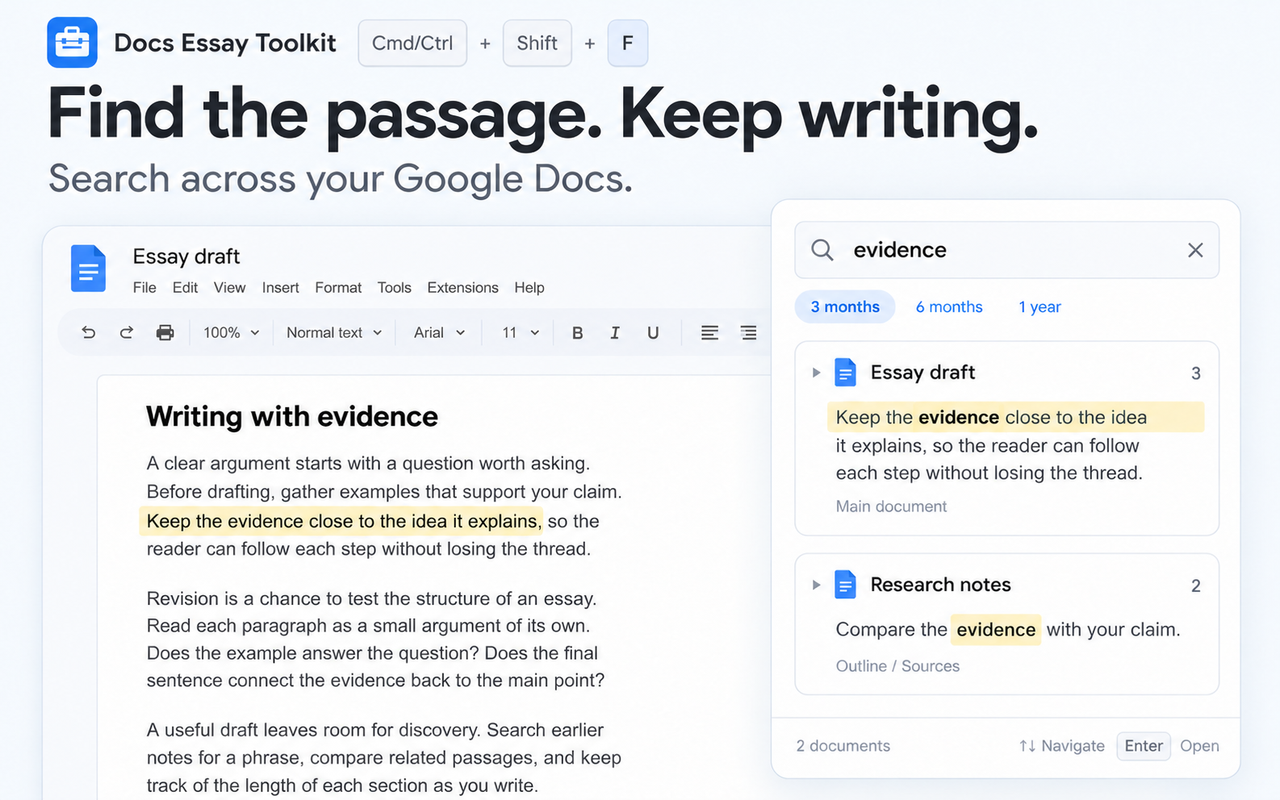
Search documents you own and documents shared with you. See matching passages grouped by document, then open the source.
Default shortcut: Cmd/Ctrl + Shift + FTrack words, characters or characters without spaces for selected sections. Your counters update as you edit.
Default shortcut: Cmd/Ctrl + Shift + KThe search index stays in Chrome. Google access is read-only, with no document content sent to a developer-operated server.
Clear the index or disconnect in Toolkit settings.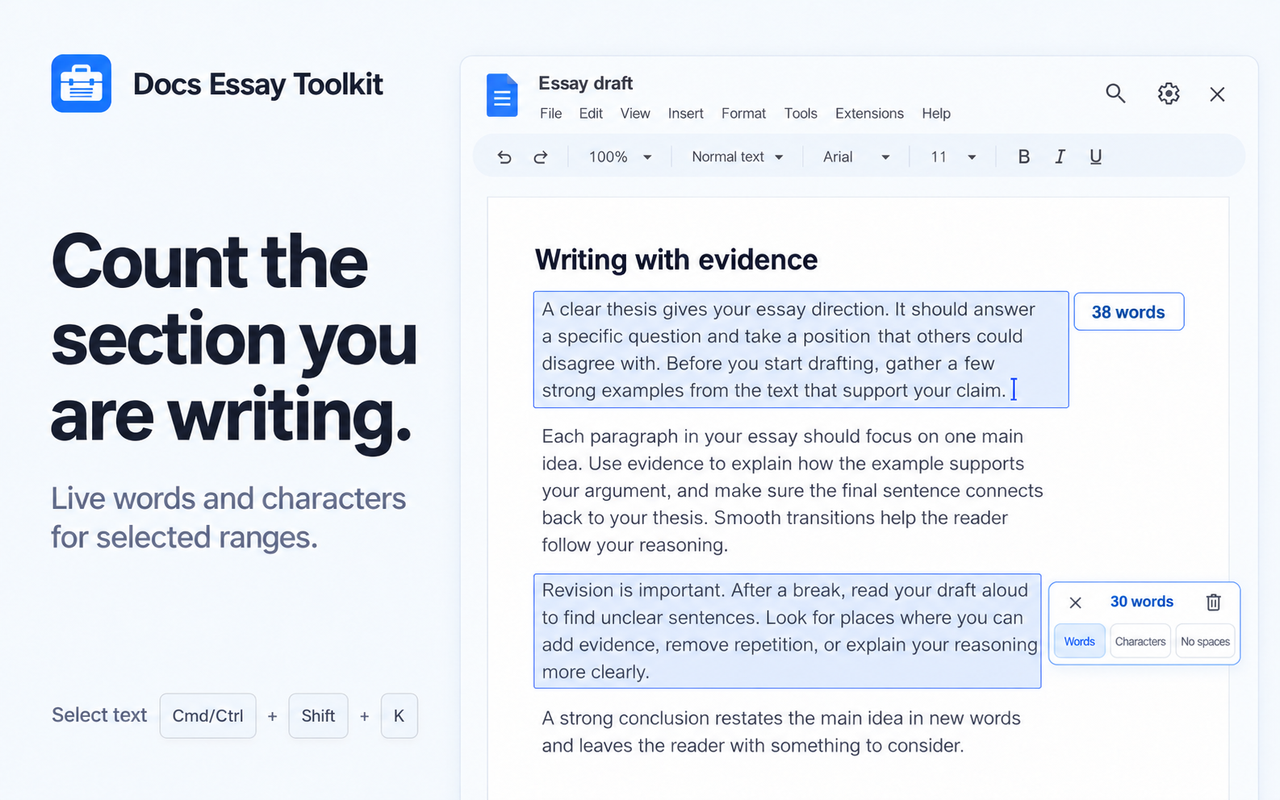
Keep an eye on an essay, answer or paragraph without counting the whole document. Add counters to separate sections and choose how each one counts.
Change shortcuts, counting defaults and the search date range in one Toolkit settings page.
View on the Chrome Web Store ↗Document search requires Google sign-in. The extension reads document text and metadata to build a local index; Google API requests go directly from Chrome to Google over HTTPS. It does not use Google APIs to modify documents. You can clear the index or disconnect Google at any time in Toolkit settings.
Read the privacy policy ↗